
Appearance
How to link your wallet to Final Autoclaim?
Linking your wallet tells Final Autoclaim which address is yours. It is what unlocks the SPACE and SPACE LP holder benefits, and it is where your withdrawals are sent.
INFO
Linking only asks you to sign a message. It is not a transaction: it costs no gas and it never moves your funds.
Before you start
Install a Web3 wallet and create or import a wallet in it.
- On desktop we recommend Rabby, since that's probably the most secure and the user experience is great. MetaMask, Trust Wallet and Frame also work.
- On mobile we recommend Trust Wallet.
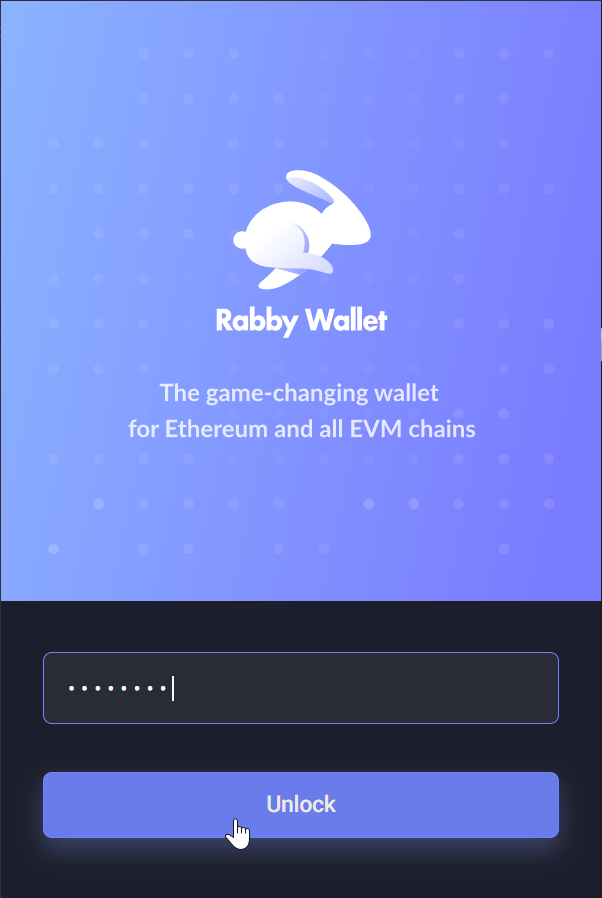
Unlock your wallet before you start.
1. Open the Space Bonus page
In the same browser as your wallet extension, open the Space Bonus page and log in to your Final Autoclaim account.
INFO
On mobile, open that address from inside your wallet's DApp browser rather than from your usual browser. In Trust Wallet, tap the DApps icon and paste the address in the search bar.
2. Click LINK SPACE WALLET
Scroll down until you find the LINK SPACE WALLET button, then click it.
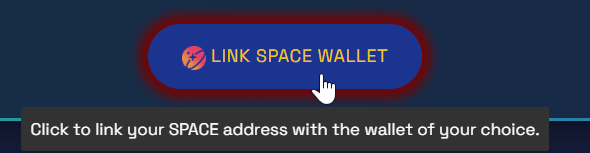
Click the LINK SPACE WALLET button.
3. Choose your wallet
On desktop, the picker offers WalletConnect, Metamask, Trust Wallet, Rabby and Frame. Pick the one you use.
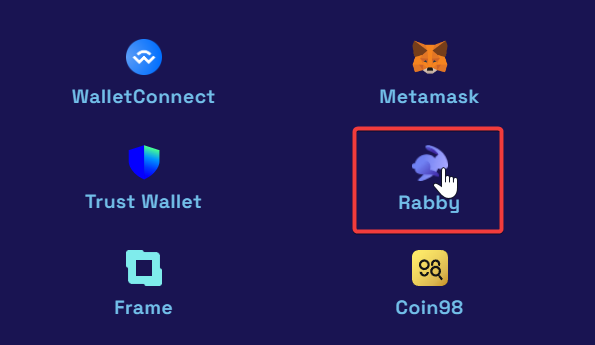
Select your wallet. Rabby is shown here as an example.
WARNING
On mobile, the picker only offers WalletConnect — the extension buttons are hidden there. Use WalletConnect, or open the page from your wallet's DApp browser as described above.
On an iPhone or iPad, Trust Wallet hides its DApp browser by default. This video shows how to enable it; otherwise use WalletConnect.
4. Sign the authentication
Your wallet asks you to sign the authentication to Final Autoclaim. Click Sign, then Confirm.
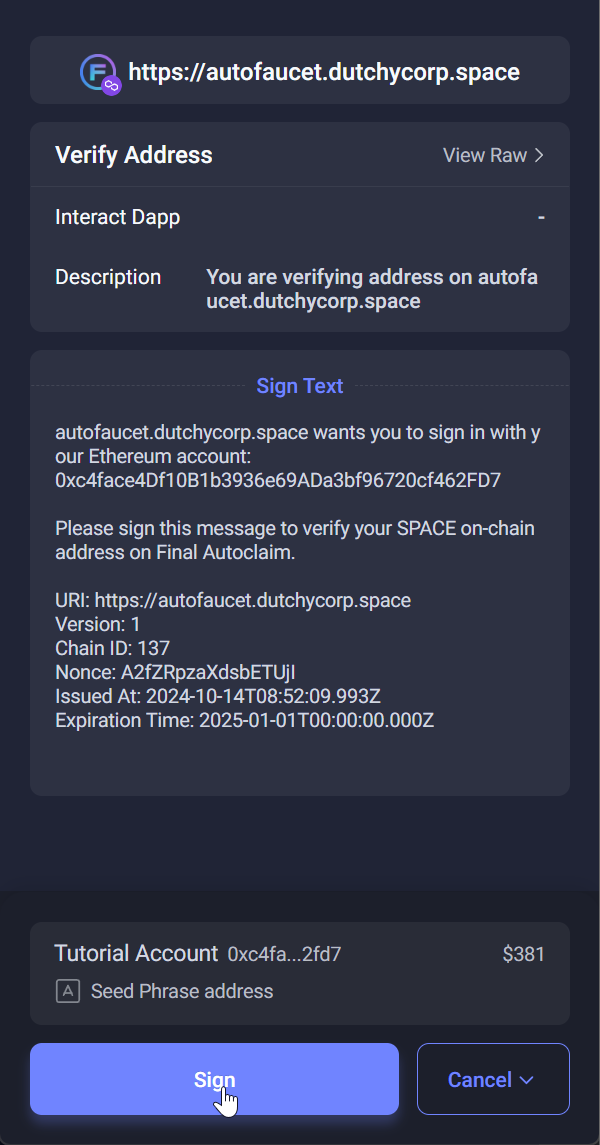
Click the Sign button.
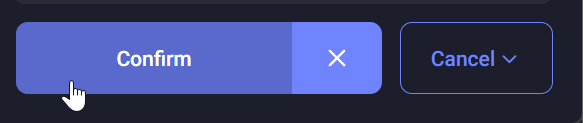
Click the Confirm button.
5. Wait for the verification
The system then checks that your address is valid. This can take up to a minute, and you see this message while it runs.

The verification is running.
You then get the confirmation that your address is linked to your Final Autoclaim account.

Your address is successfully linked.
🎉 Congratulations!
Your wallet is linked to your Final Autoclaim account, and the page now shows it as Your Linked Space Token Address.
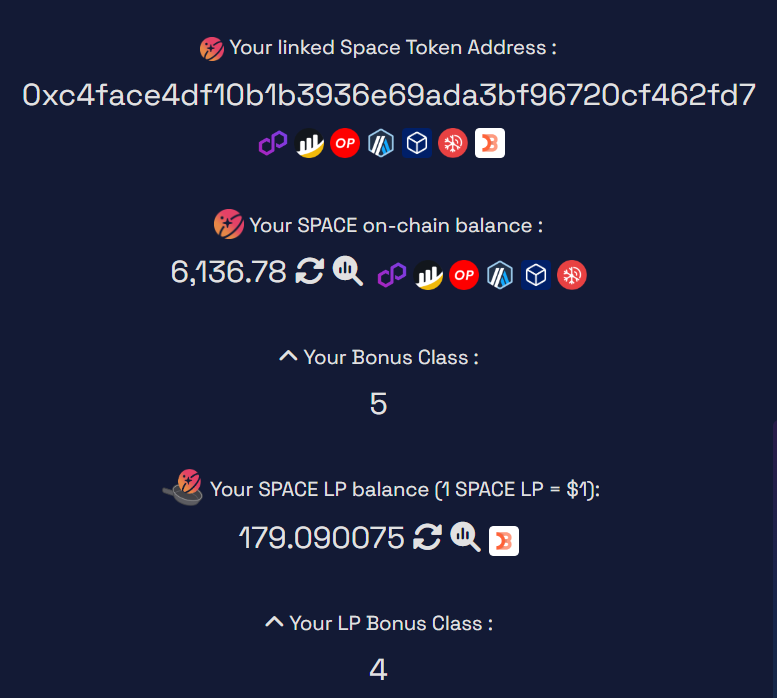
Your linked address, shown on the Space Bonus page.
TIP
From now on you can enjoy the Space Token and SPACE LP holder benefits.