
Appearance
Add liquidity on BNB Smart Chain
PancakeSwap V3 liquidity pools allow users to trade SPACE with other assets on BNB Smart Chain. In this step-by-step guide, you will learn how to provide liquidity to the SPACE / BNB pool with our SPACE Liquidity UI.
INFO
New to liquidity pools? Read How to Add Liquidity ? first. It explains what a pool is, why the fee tier and the full range matter, and what SPACE LP bonuses are.
INFO
BNB Smart Chain is the only network where the SPACE pool runs on PancakeSwap V3 rather than Uniswap V3. Both use the same concentrated-liquidity model, and the SPACE Liquidity UI works exactly the same way.
Before you start
You need SPACE and BNB in your Web3 wallet on the BNB Smart Chain network.
We recommend using Rabby.io as a Web3 wallet, since that's probably the most secure and the user experience is great.
1. Open the SPACE Liquidity UI
Go to https://liquidity.spacetoken.tech/?chainId=56
2. Connect your Web3 wallet
Connect the Web3 wallet that contains your SPACE and BNB on BNB Smart Chain.

Click the Connect Wallet button.
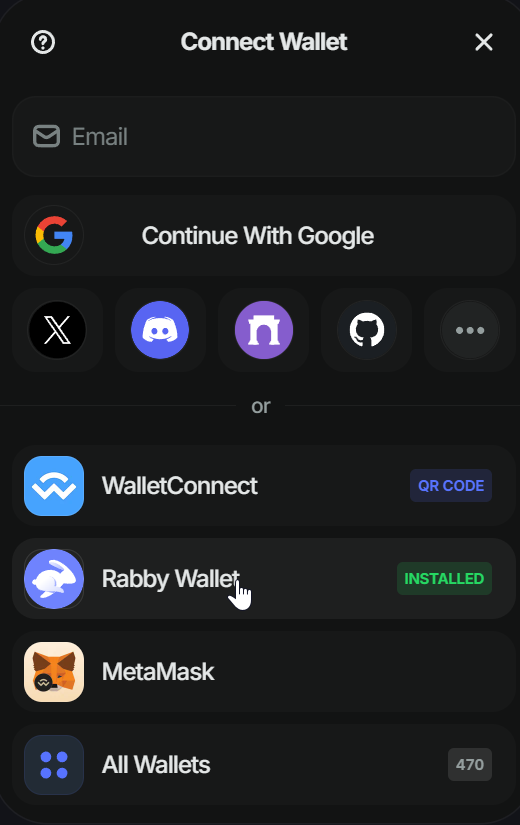
Select your wallet.
If you use Rabby, the UI will automatically switch to the BNB Smart Chain network.
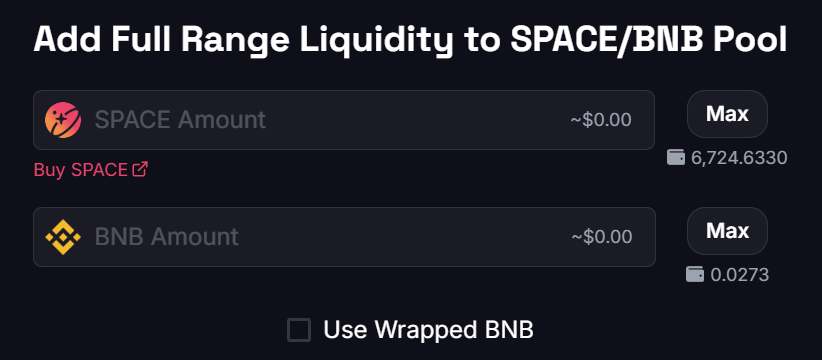
Once your wallet is connected, you must see that SPACE and BNB are pre-selected.
3. Enter the amount you want to add
You need to provide SPACE and BNB in a ~50/50 ratio (for example, $11 of SPACE and $11 of BNB).
Clicking the Max button will automatically fetch the maximum amount that you can add to the pool, according to your SPACE and BNB balances.
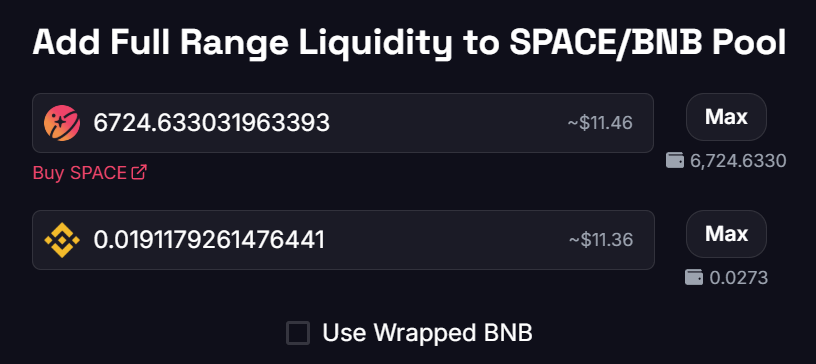
The UI will automatically ensure that the 50/50 ratio is respected.
4. Approve SPACE
Approve SPACE so the token can interact with the pool. This requires you to sign a transaction on your Web3 wallet; don't worry, it is safe.
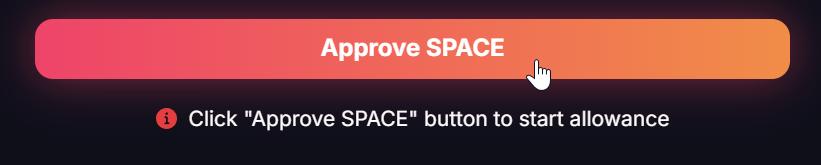
Click the Approve SPACE button.
5. Confirm the approval transaction
Sign the approval and wait for the network confirmation.
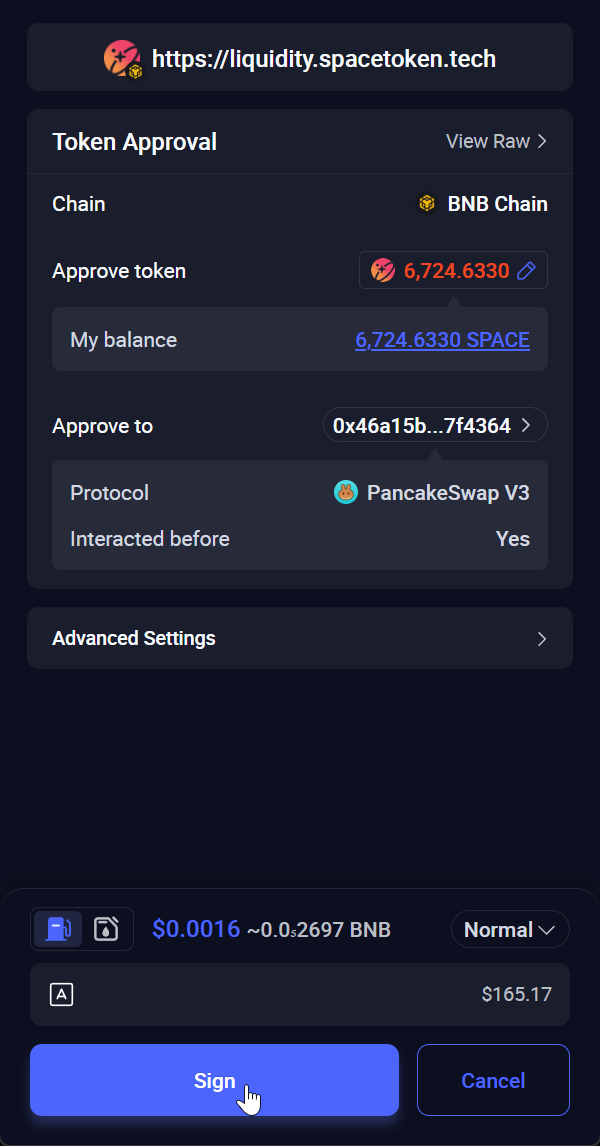
Click the Sign button to approve SPACE on BNB Smart Chain.

After some time, you will see that the transaction is confirmed.
6. Click the Add Liquidity button

Click the Add Liquidity button.
7. Sign the transaction
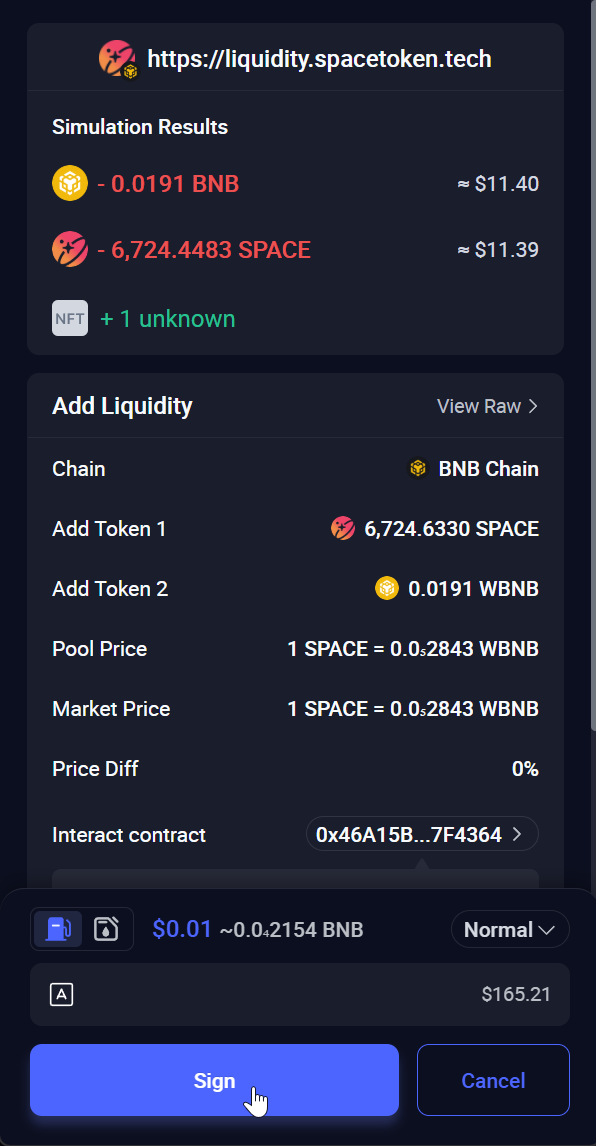
If you use Rabby, just click the Sign button.
After some time, we will confirm that you succeeded in adding liquidity.
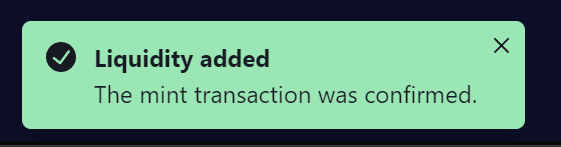
The mint transaction is confirmed.
Check your position
Click the Your Positions button to see your liquidity position.
Click Your Positions.
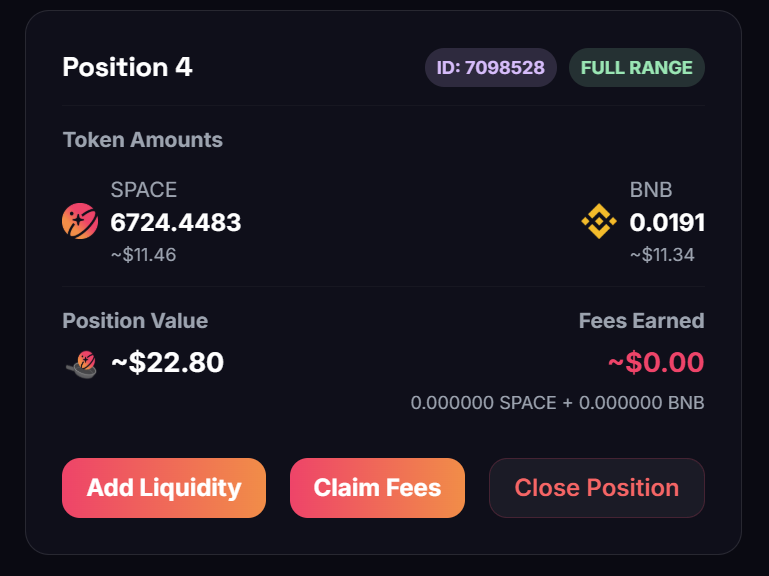
This position contains ~6724 SPACE and ~0.0191 BNB, which corresponds to around 22 SPACE LP.
Manage your position
Bookmark https://liquidity.spacetoken.tech/positions. From there you can, at any time:
- Claim Fees — collect the trading fees your position has earned. The position stays open and keeps earning.
- Add Liquidity — top up a position that is already live, instead of opening a second one.
- Close Position — withdraw both tokens together with the fees earned, in a single transaction.
INFO
If you come back to the add-liquidity page while a position is already open, the UI detects it and shows Existing position detected. Liquidity will be added to it. The button then reads Increase Liquidity, so your liquidity is concentrated in that one position instead of being spread across several.
🎉 Congratulations!
You've successfully added SPACE and BNB to the PancakeSwap V3 liquidity pool on BNB Smart Chain.
- Refresh your SPACE LP balance on the Space Bonuses page of Final Autoclaim to enjoy the bonuses.
- Once your LP balance is refreshed, activate the xSPACE LP staking pool to enjoy a high APR.
INFO
See how much your liquidity earns you: SPACE LP bonuses